Customer Onboarding Checks For SaaS On Day One
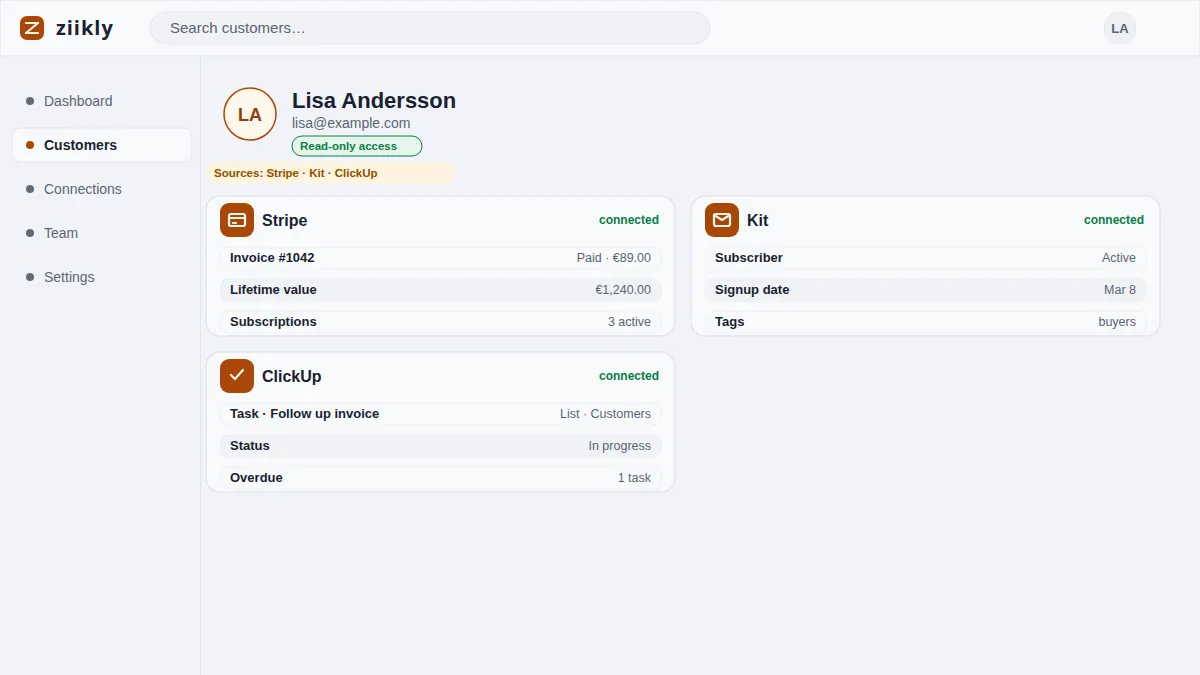
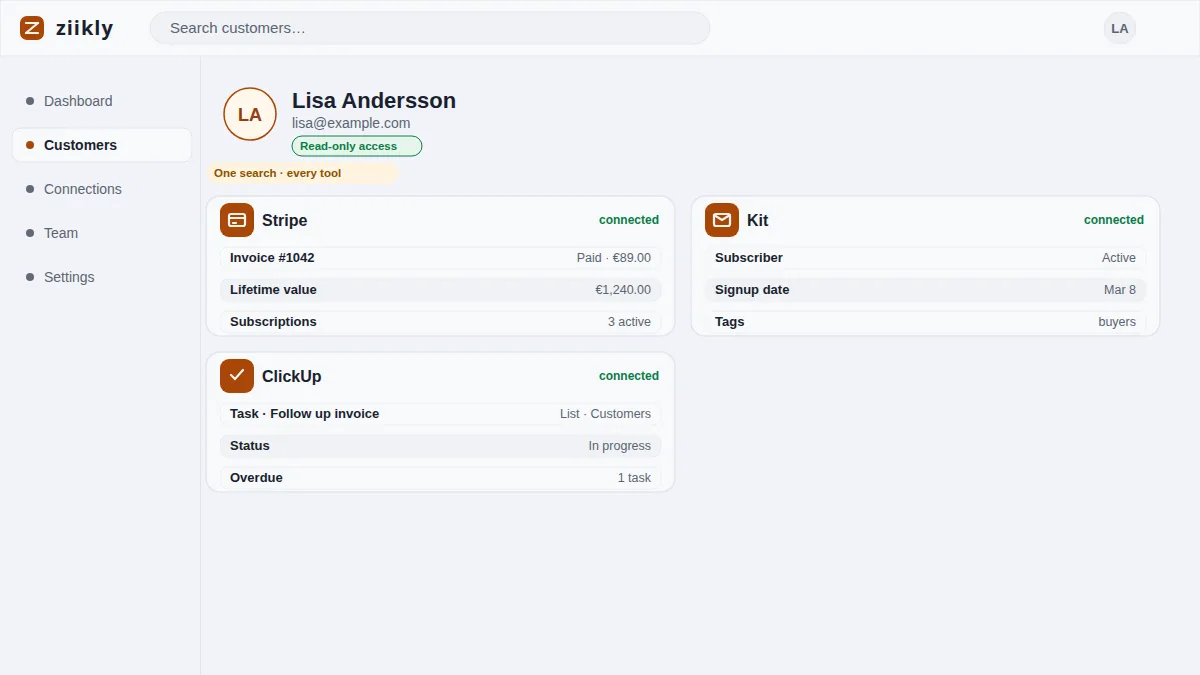
Day one is when a new SaaS customer is most vulnerable and most likely to churn. The billing went through, the account was created, and the welcome email should have arrived. But a lot can quietly go wrong: a failed charge, an access invitation that never sent, or a welcome email sitting in spam. Ziikly looks up a new customer's email across your payment provider, your app and your email tool, all with read-only keys, so a founder can confirm a smooth start on day one instead of waiting for the complaint.
Confirming Billing Went Through
The first day one check is money. When a new customer signs up, confirm the charge actually succeeded rather than assuming it did. An early failure quietly puts the whole relationship on the wrong footing, so catch it before the customer has to mention it.
Search the customer's email in Stripe or your other payment tool and look at the charge status. Succeeded means the subscription or payment is live. Failed, incomplete or pending means the customer thinks they are in but the money has not arrived, and that gap only grows worse by the day.
Flag anything that is not a clean success immediately. A failed first payment is the most common quiet killer of new signups, and it is completely fixable on day one. A fresh payment link and a short note are usually enough to bring the customer back.
Verifying Access Was Granted
A customer who paid but cannot log in is a churn incident waiting to happen. The second day one check confirms access was actually granted. The check is most likely to reveal a broken handoff between your checkout and your app, which is where day one failures hide.
Depending on the product, that means checking the account creation in your app, the enrollment in a course platform like Teachable or Kajabi, or the membership status in your member area. The right place depends on where access actually lives for what you sold, and Ziikly shows payment and access side by side.
If the record shows access was granted, the customer has what they paid for. If it does not, you have found the problem before the customer had to explain it, which changes the entire tone of the interaction. A proactive fix reads as care, not as failure.
Catching A Failed Welcome Email
The third check is the welcome email, the first touch the customer actually feels. A missing welcome email leaves the customer without login details, without next steps and without confidence. Of the three checks, this one fails most often and shows up last, and the silence is the only signal.
Check the delivery state in your email tool, whether that is Missive, Kit or the provider behind your welcome sequence. Look for bounced, suppressed or never-sent messages to the new address. A typo in the address produces a clean account that can never receive mail, so confirm the address too.
If the email failed, resend it the same day and check that the address is right. A single resend at day one beats a customer who gives up at day two because no login ever arrived. The customer never needs to know the first attempt failed.
Frequently asked questions
Which Check Fails Most Often?
The welcome email. Billing and access failures get noticed when the customer tries to use the product, but a silent email failure can sit unnoticed until the customer writes in days later. Check delivery state on day one. It is the quietest of the three failures.
How long do these three checks take?
Under two minutes for all three. Searching the new customer's email once shows the charge status, the access or enrollment record and the welcome email delivery state, so onboarding verification is one lookup. That is the whole point of checking at all.
See it on your own customers
Connect your tools with read-only keys and search a real customer in minutes. Ziikly is free for everyone right now.
Get started free