Do Small Teams Need A CRM? An Honest Answer
Every small team eventually asks whether it needs a CRM, and the honest answer is "it depends", which is not a cop out. A CRM earns its price when you actively manage relationships and pipeline: chasing deals, tracking follow-ups, keeping notes on every conversation. It is expensive and annoying when your real work is answering questions about customers who already bought, because the record you need already exists in your payment, store and inbox tools. This post gives the honest answer in three parts: when a CRM is clearly worth it, when it is overkill, and what to use before that point.
When The Answer Is Clearly Yes
A small team needs a CRM when the core workflow is outbound: finding prospects, tracking deals and making sure nothing falls through the cracks. That workflow has a rhythm of follow-ups and stages that email alone cannot hold together, and the CRM earns its place there.
If you have a sales pipeline with multiple open deals, stages and owners, a CRM is the working system that keeps it honest. A team running a real sales motion cannot track that reliably in email and spreadsheets for long, because the pipeline moves faster than the notes.
The test is behavioral. If your team constantly loses track of follow-ups, cannot see what stage a deal is in, or loses context between sales calls, the CRM is not a luxury; it is the tool the workflow was missing. Those failures are the signal, not the noise.
When It Is Overkill And Costly
The overkill case is more common than the industry admits: a small team buys a CRM because it is marketed as the place to know your customer, then finds the work is all support and billing, not pipeline. The platform was bought for a job the team was not doing.
For that team, the CRM is a double cost. Per seat licensing adds up as headcount grows, and data entry, the fields, the objects, the record hygiene, becomes a chore nobody owns. Every hour spent maintaining the copy is an hour not spent on the work itself.
Worst of all, the CRM holds a copy of data that already lives elsewhere. The payments are in Stripe, the orders in Shopify, the history in the inbox, and the CRM's version of them is out of date by the time it is typed in.
What To Use Before That Point
Before the pipeline exists, the customer context the team actually needs is already sitting in the tools it uses. The gap is not a missing platform; it is a missing way to see across the tools, and that is a much cheaper problem to solve.
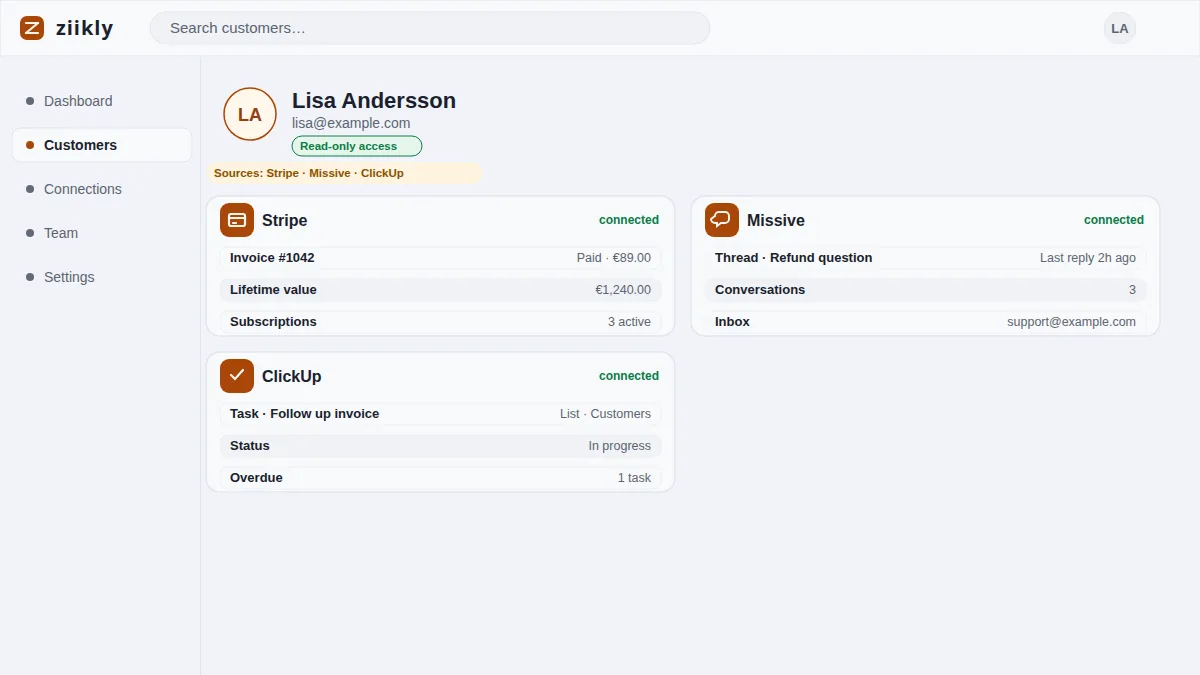
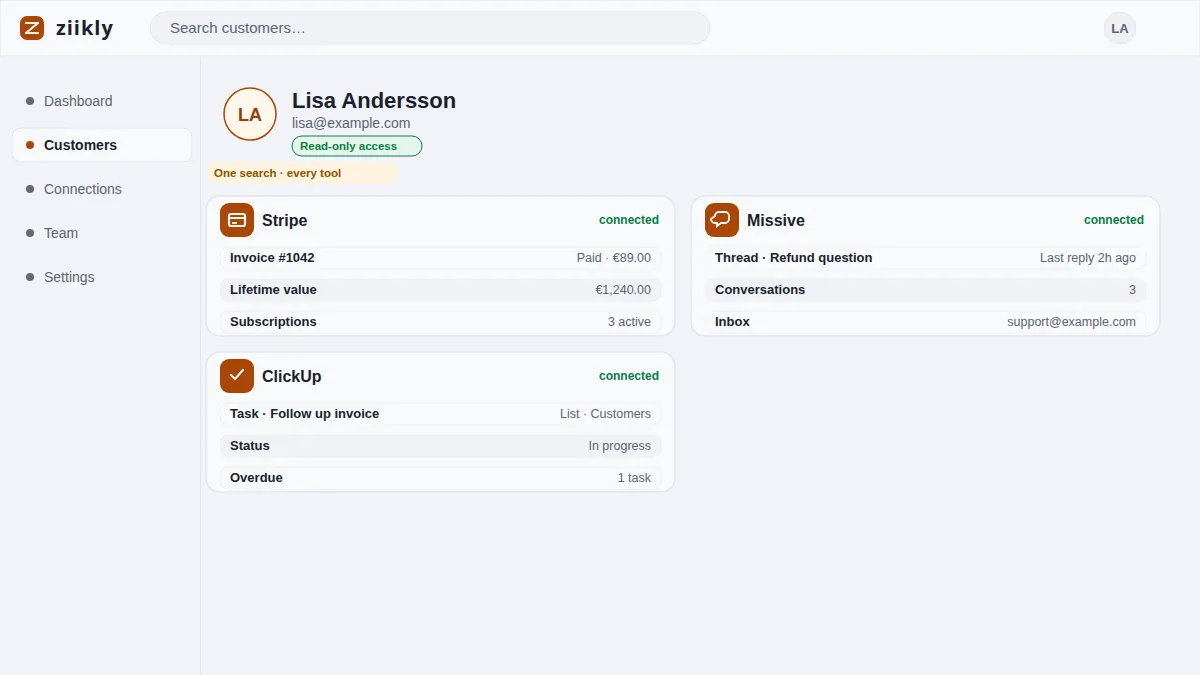
A federated lookup fills that gap. Connect Stripe, Shopify, Missive, Bokio and the rest with read-only keys, search a customer's email, and see their payments, orders and conversations together. No data entry, because the data was entered when the work happened. The record builds itself as the business runs.
The scalable path is to buy the lookup now and the CRM only when the outbound motion actually appears. When it does, the two coexist cleanly: the CRM manages the pipeline while the lookup keeps the customer history truthful, so neither carries the other's job.
Frequently asked questions
At What Headcount Does This Change?
There is no fixed number; the trigger is workflow, not headcount. A five person outbound sales team needs a CRM; a twenty person team that only answers support questions may not. Buy when a sales pipeline becomes an active, daily workflow.
What can I use instead of a CRM for a small team?
A federated customer lookup that reads your existing tools. Search a customer's email and see payments, orders and conversations together, with no data entry. Add a CRM later, only when you need to manage an active pipeline. The lookup covers the daily questions; the CRM covers the pipeline.
See it on your own customers
Connect your tools with read-only keys and search a real customer in minutes. Ziikly is free for everyone right now.
Get started free