API Key Security For Teams Of One To Ten
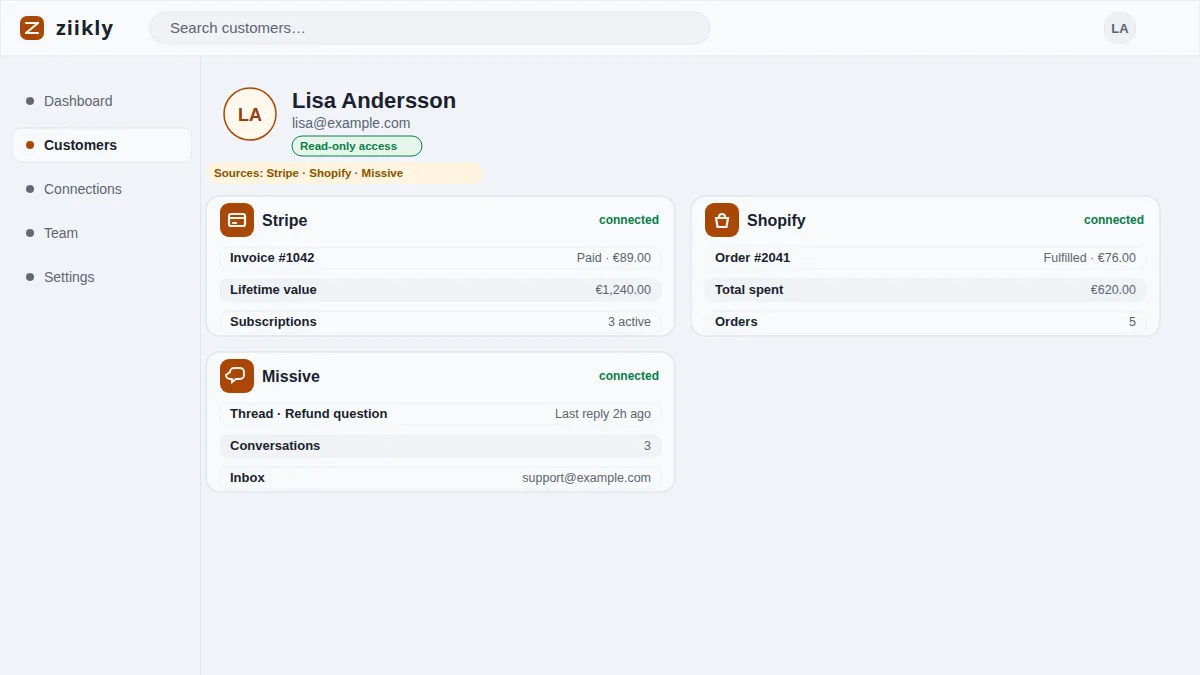
A team of one to ten has a genuine problem with credentials. There are keys for Stripe, the helpdesk, the store and the inbox, everyone on the team touches customer context, and no one has a security team to write the policy. The fix does not require one. Small teams need three habits: know who should hold each credential, rotate keys on a simple schedule and react instantly when someone leaves. Ziikly fits into that because every integration uses read-only keys, and the connections live in one integrations panel where the whole team can see what is connected. This page turns those three habits into concrete steps.
Who Should Hold Which Credential
The rule is simple: the fewer people who hold a write credential, the better, and read-only credentials can be shared more freely. Keep your Stripe secret key (sk_live_...) with the owner or the finance lead and nowhere else. Restricted read-only keys, the kind Ziikly uses, can be held by the people who actually answer customer questions.
Inside Ziikly, one workspace shares the connections, so the team sees the same customer profiles without each person pasting keys into their own account. Decide who is the owner of each connection, usually the person who created it, and make sure that owner is reachable when a key needs to be revoked or re-issued.
A Simple Rotation Schedule
Rotation is changing a key for a fresh one so that an old key stops working. For a small team the schedule should be a recurring reminder, not a project. Pick a cadence you will actually follow: every quarter, twice a year or when something changes in the team, whichever is realistic for your head count.
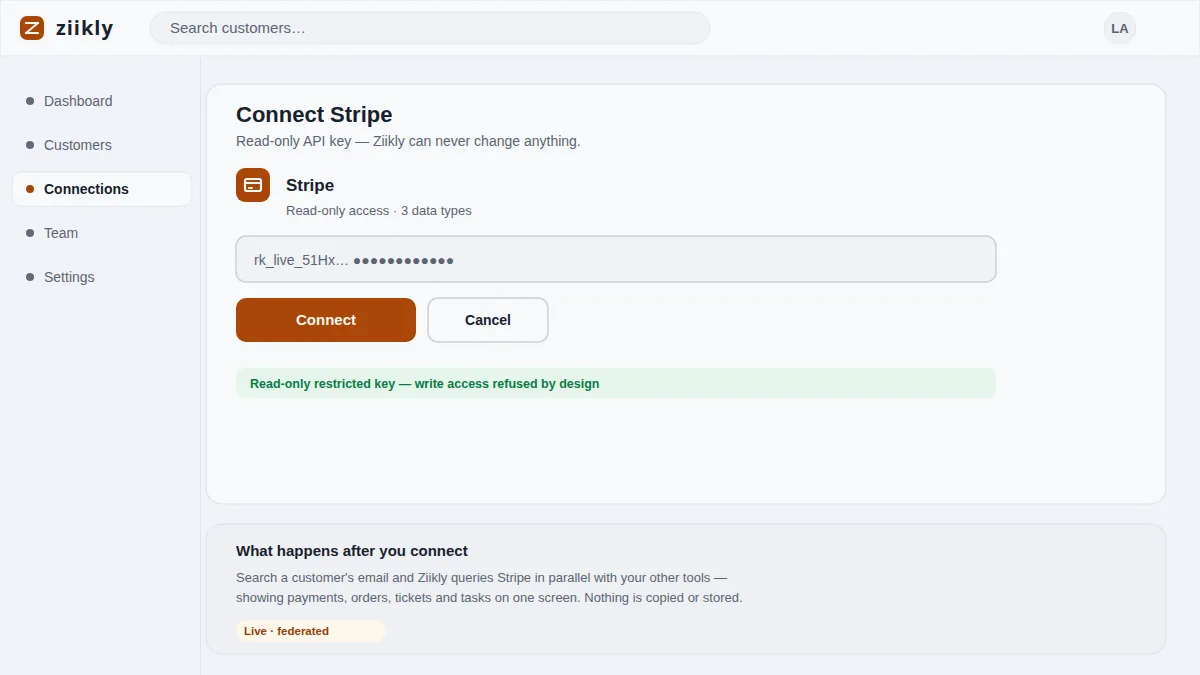
The mechanics are the same for any integration. Create a new key in the source tool, update the connection in Ziikly, confirm a lookup still works and then delete the old key. Write the steps down once so that a teammate can follow them, and keep a calendar note next to the cadence you chose.
What To Do After A Team Member Leaves
The moment a teammate leaves, take the keys out of the circle of people who can act on them. In Ziikly, remove them from the workspace so their account stops working immediately. Then check which connections they created or managed, because their personal account may hold access you did not think about.
For each such connection, rotate the key rather than assuming it is safe. A leaving employee rarely intends harm, but the credential may have been saved somewhere, synced to a personal device or shared in a message thread. Rotating the affected keys and revoking the person's access closes the gap in an afternoon and removes the what if from your future.
Frequently asked questions
How Often Should Keys Be Rotated?
For a small team, rotate keys every quarter or twice a year, and immediately after anyone leaves or any credential is shared by mistake. A regular cadence you follow beats an ambitious policy you skip, so pick a rhythm that fits your team's size and workload.
Where Should I Store My API Keys?
Keep the few write credentials you have in a password manager, never in a spreadsheet or chat. Read-only restricted keys can live in Ziikly's integrations panel, encrypted, where the team needs them for lookups, and you can revoke them whenever you want.
See it on your own customers
Connect your tools with read-only keys and search a real customer in minutes. Ziikly is free for everyone right now.
Get started free