Is It Safe To Share A Stripe API Key With A Tool?
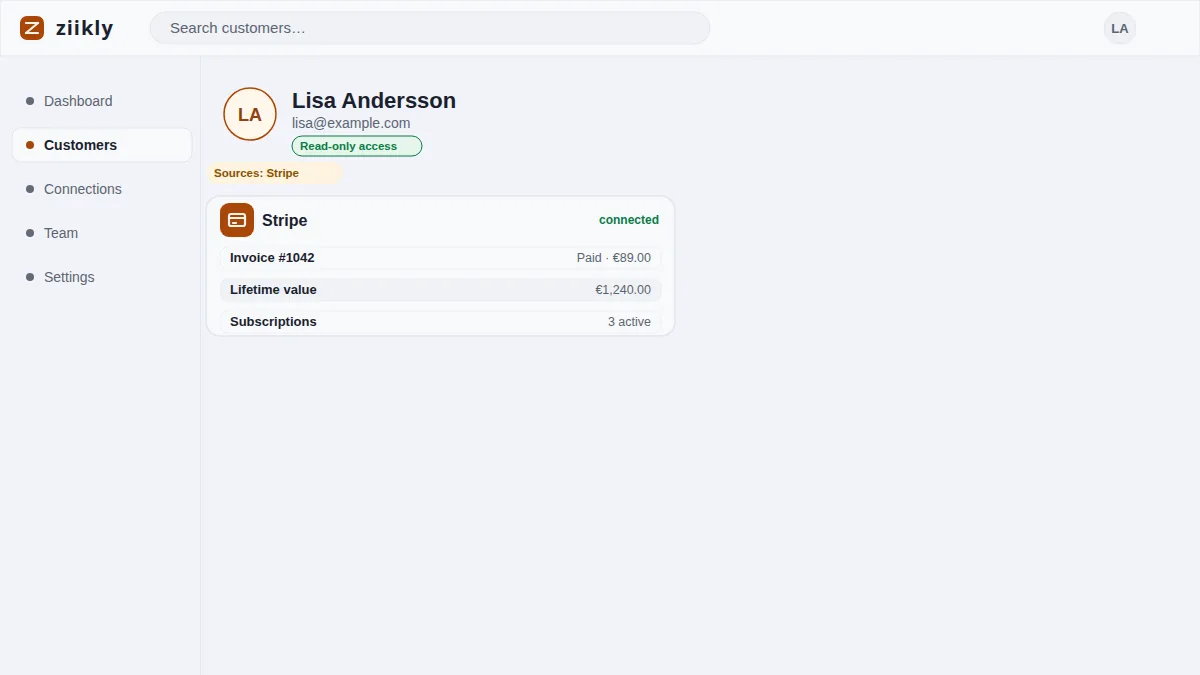
Stripe offers two kinds of API keys: secret keys that start with sk_live_ and restricted keys that start with rk_live_. The safe answer to sharing is almost always the restricted key, because you control exactly what it can do before it exists. Ziikly only ever asks for restricted read-only keys, so it can display charges, customers and invoices but can never refund a payment, update a subscription or read your whole account. This page walks through the difference between secret and restricted keys, the precise scopes Ziikly requests, and the warning signs that a tool is asking for far more access than it needs.
Restricted Keys Versus Secret Keys
A secret key (sk_live_...) is the master key to your Stripe account. With it a tool can do almost anything: create charges, issue refunds, edit customers, update subscriptions and read every record you own. Treat it like a password and never paste it into a third party dashboard, a support chat or an online form.
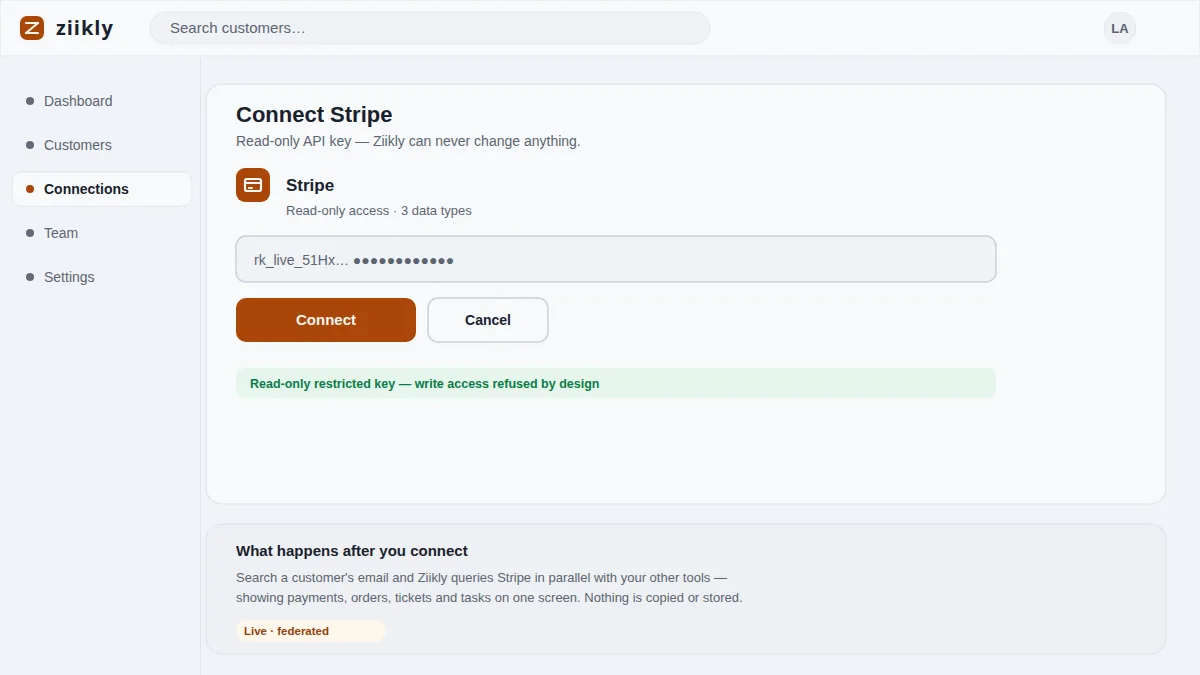
A restricted key (rk_live_...) is a key with training wheels built in. When you create one, Stripe shows a checklist of permissions and you tick only what the tool needs. Ziikly asks for read-only access, and Stripe enforces that limit on every request, so the key physically cannot perform the write actions a full key could.
The Exact Scopes Ziikly Requests
When you connect Stripe in Ziikly, the flow redirects to Stripe's own permission screen and only the read-only scopes are ticked. Ziikly requests access to charges, customers, subscriptions and invoices, the records needed to build a customer profile. It does not request the ability to create, update, delete or refund anything.
Stripe keeps the key scoped to exactly those records. If a search asks for something outside the granted scopes, the API returns a permission error and the data simply does not appear. You can inspect and revoke the key at any time from your Stripe dashboard, where every request is listed under the key's activity.
Warning Signs Of Excessive Permission Requests
A trustworthy tool asks for the least access it needs, so the first warning sign is a request for write permissions such as charge creation or refunds. The second is a secret key instead of a restricted one, or instructions telling you to paste your entire sk_live_ key into a form. Neither is ever necessary for reading customer data.
Other signs are subtler: a tool that asks for more integrations than your plan uses, a permission screen you cannot read because it is skipped with a vague 'we need full access' message, or documentation that cannot tell you the exact scopes it requests. If the answers are vague, the access is probably wider than the job needs.
Frequently asked questions
Can A Restricted Key Move Money?
No. A restricted key can only perform the scopes you granted when it was created. If those scopes are read-only, the key cannot create charges, issue refunds, move balances or transfer funds. Stripe enforces the limit on every API request, so the key has no power to move money.
What Happens When A Tool Needs More Access?
A read-only key that hits a blocked scope simply gets a permission error and the data does not load. You then decide, in Stripe, whether to widen the key's scopes. Ziikly never needs to widen them, because reading customer history requires no write access at all.
See it on your own customers
Connect your tools with read-only keys and search a real customer in minutes. Ziikly is free for everyone right now.
Get started free