Read Only API Keys Explained For Non Developers
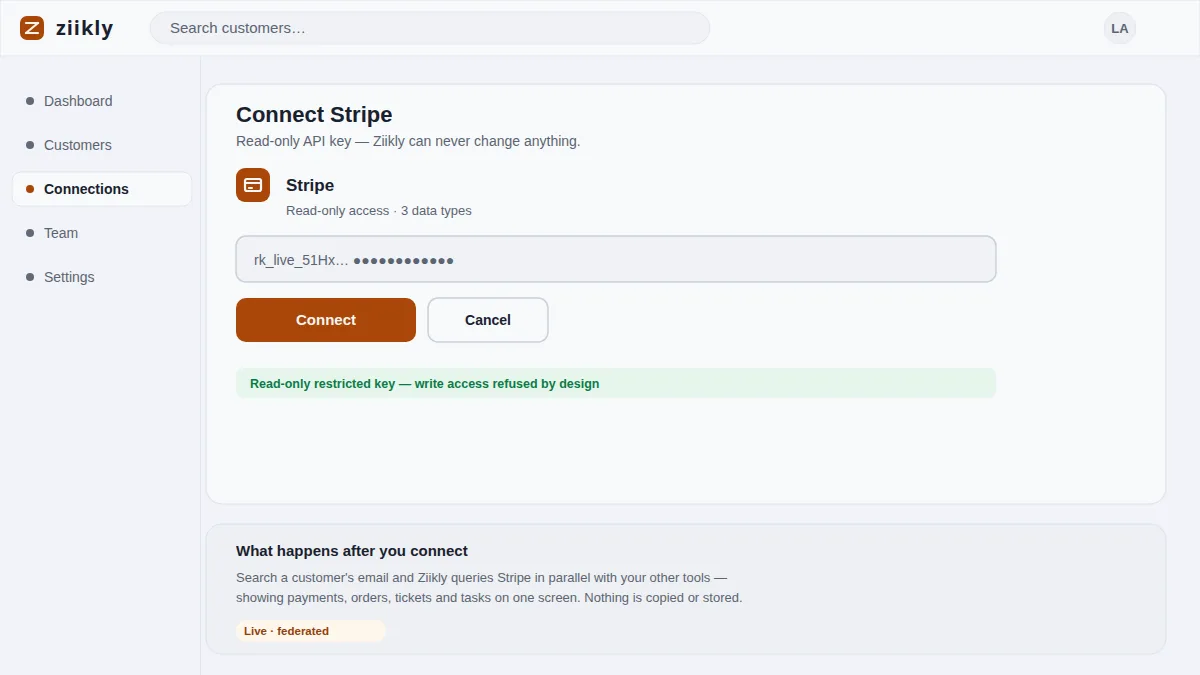
An API key is a long string of letters and numbers that lets one piece of software talk to another. The phrase read only means that the conversation goes one way: the tool can ask questions and receive answers, but it can never give instructions. That is the entire security story of Ziikly in one sentence. When you connect Stripe with a restricted read-only key (rk_live_...), Ziikly can fetch a customer's payments but cannot refund a charge, change a plan or edit an email. This page explains what such keys can and cannot do, why Ziikly refuses write access, and how you can revoke access at any time.
What A Key Can And Cannot Do
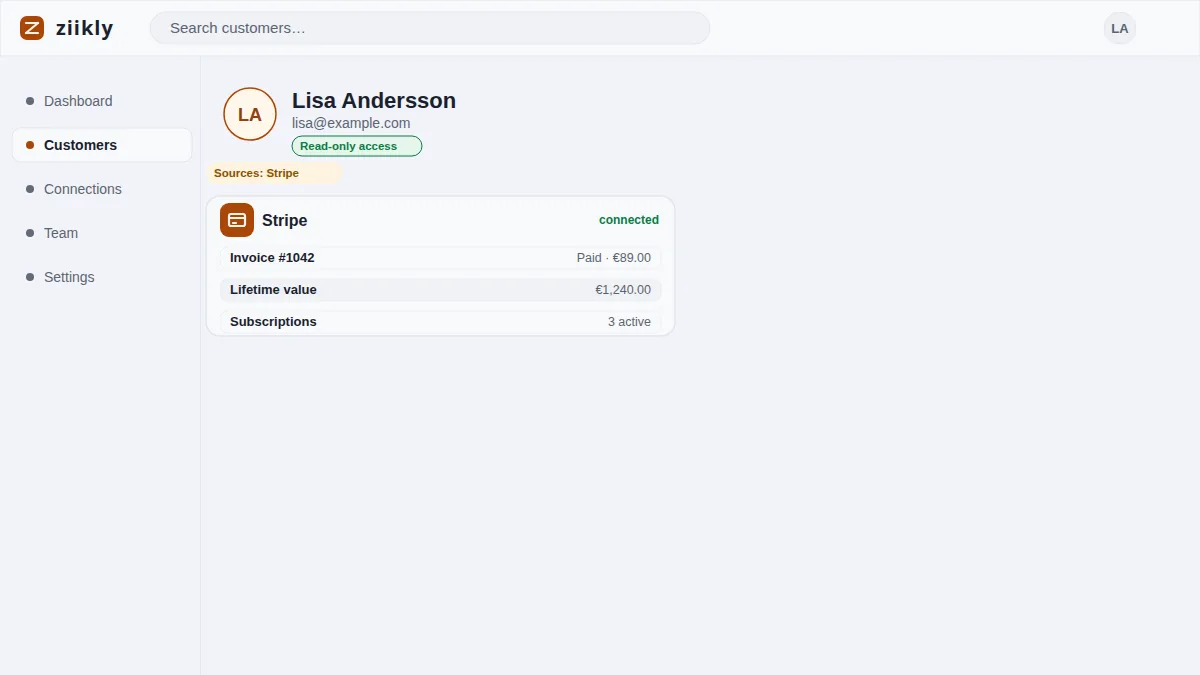
A read only key is issued by the tool that owns your data, and the owner decides what the key may do. Stripe's restricted keys let you choose the exact permissions before a key exists, and Ziikly only ever requests read-only permissions such as viewing charges, customers and subscription state. With that key Ziikly can search a customer's email and show payments, receipts and balance in the customer profile.
A read only key cannot create records, update them, delete them, trigger a refund or move money. Ziikly deliberately has no write endpoints at all, so even a bug or a compromised session cannot change anything in your connected tools. The key opens a door that only ever swings one way: data comes out, instructions never go in.
Why Write Access Is Refused Here
Write access is refused because Ziikly does not need it and does not want it. Its job is to read a customer's history from the tools your team already uses and show it on one screen. A refund, an edit or a data change belongs to the tool that owns it, made by a person with the right permissions, not by a lookup dashboard.
Refusing write access is also the strongest form of trust. Your support agent cannot accidentally refund a charge while searching for it, and your billing system cannot be changed by a tool that was only meant to look. Fewer permissions means fewer ways for anything to go wrong, which is exactly what a small team wants from a security tool.
Revoking Access In One Click
Every connection Ziikly holds can be revoked at any time, and revoking takes a single click. Open the integrations panel in Ziikly and remove the connection, then visit the tool that issued the key and delete it there as well. Two actions, both of them instant, and no ongoing access remains.
Revoking access is a good habit even when nothing looks wrong. You might rotate keys on a schedule, remove a connection you no longer use or react after a teammate leaves. Because Ziikly stores only your org and connection configuration, the moment the key is revoked there is nothing left to read and no copy of customer data waiting to be found.
Frequently asked questions
Where Are My Keys Stored?
Your keys and connection configuration are stored encrypted in Ziikly and used to query your tools live when you search. The keys never appear in your customer profile, are not shared with anyone outside your workspace, and can be deleted at any time from the integrations panel.
Can Ziikly Read My Password Or Card Numbers?
No. Ziikly connects with API keys and tokens, never your login password. Restricted read-only keys (rk_live_...) expose only the scopes you granted, and payment card numbers are normally tokenized by Stripe itself, so they are not returned by the API calls Ziikly makes.
See it on your own customers
Connect your tools with read-only keys and search a real customer in minutes. Ziikly is free for everyone right now.
Get started free